Halal Lens vs Chrome:
same page, two different hearts.
We opened the same pages in both browsers, at the same moment. Here is what each one let through — judge for yourself.
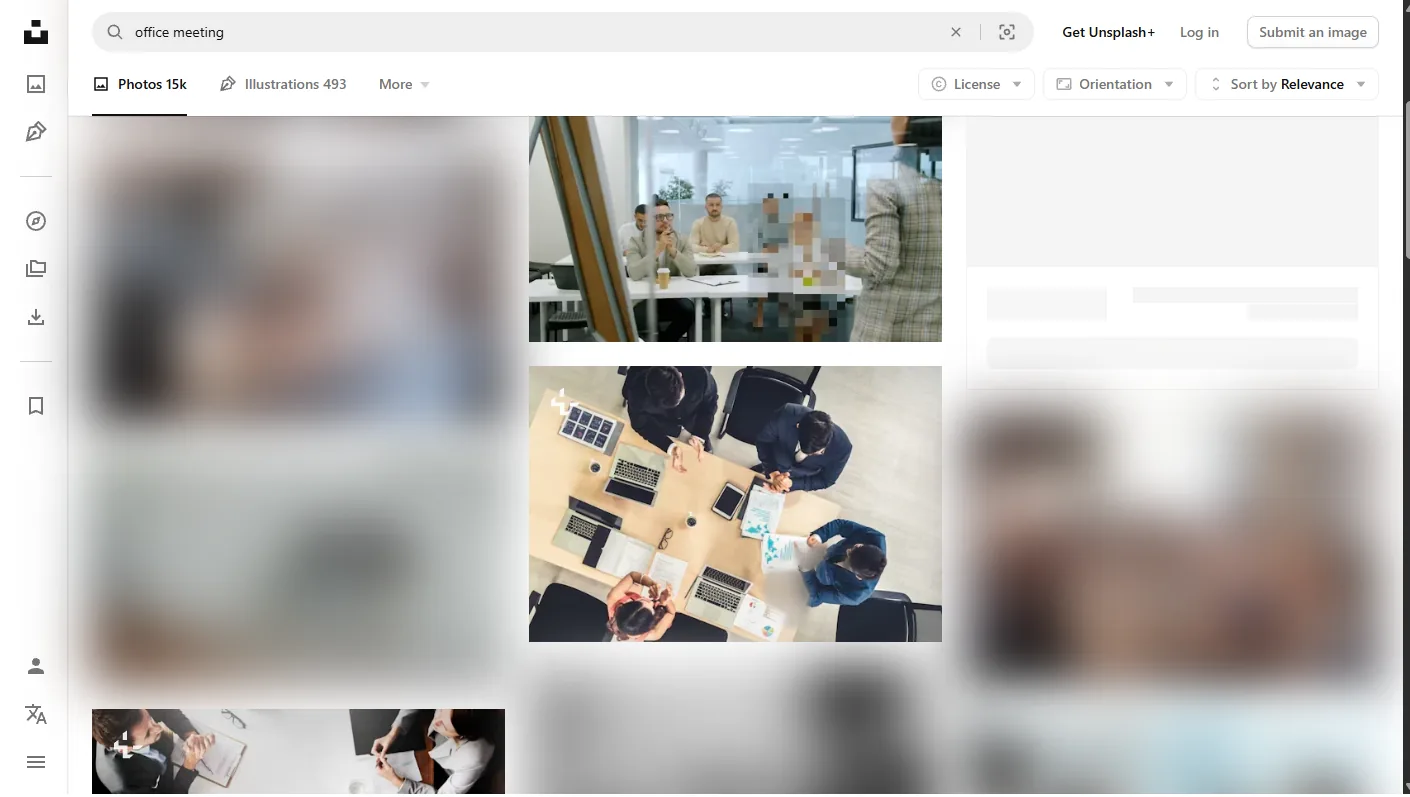
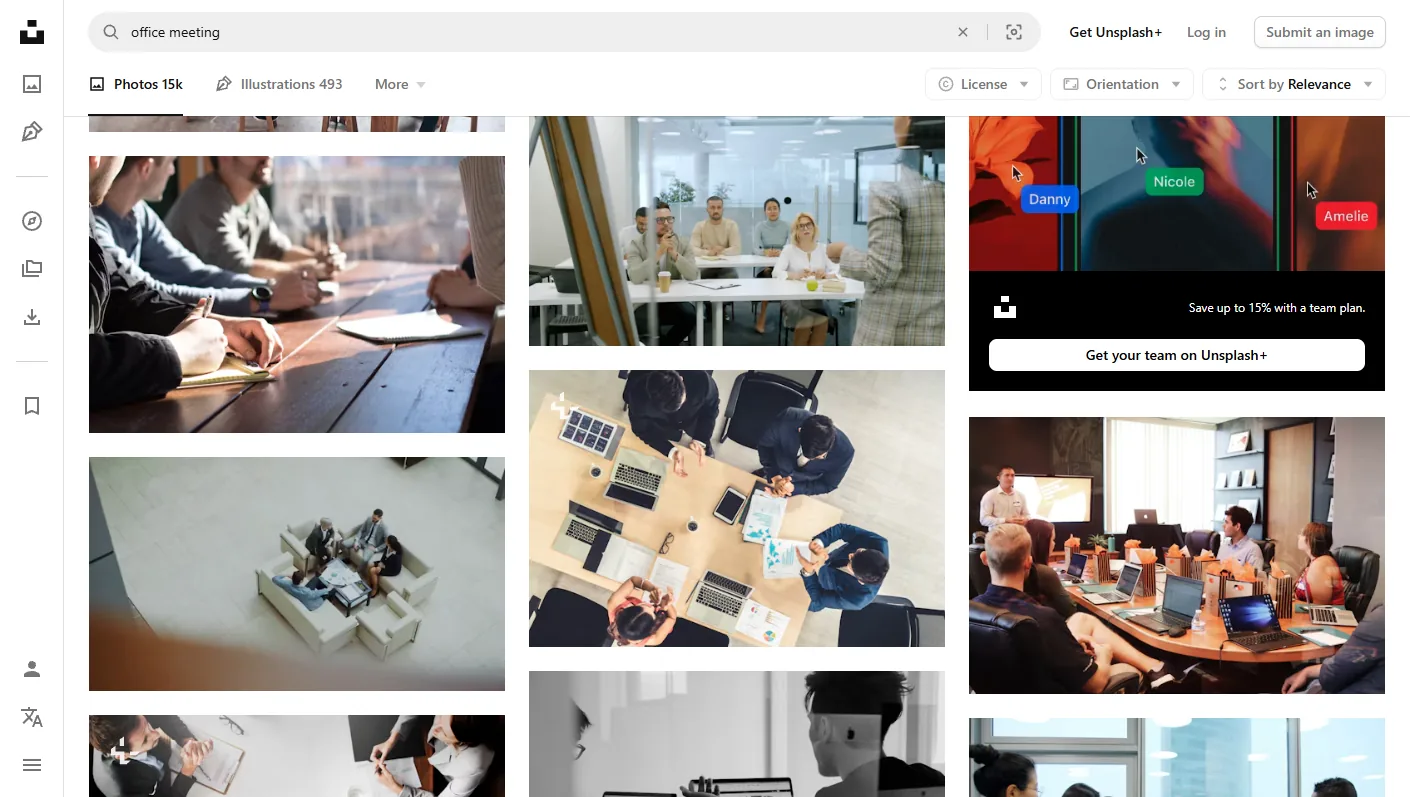
A normal photo site — every picture shown vs. filtered
Unsplash search for "office meeting" — a perfectly ordinary page. Drag the red handle.
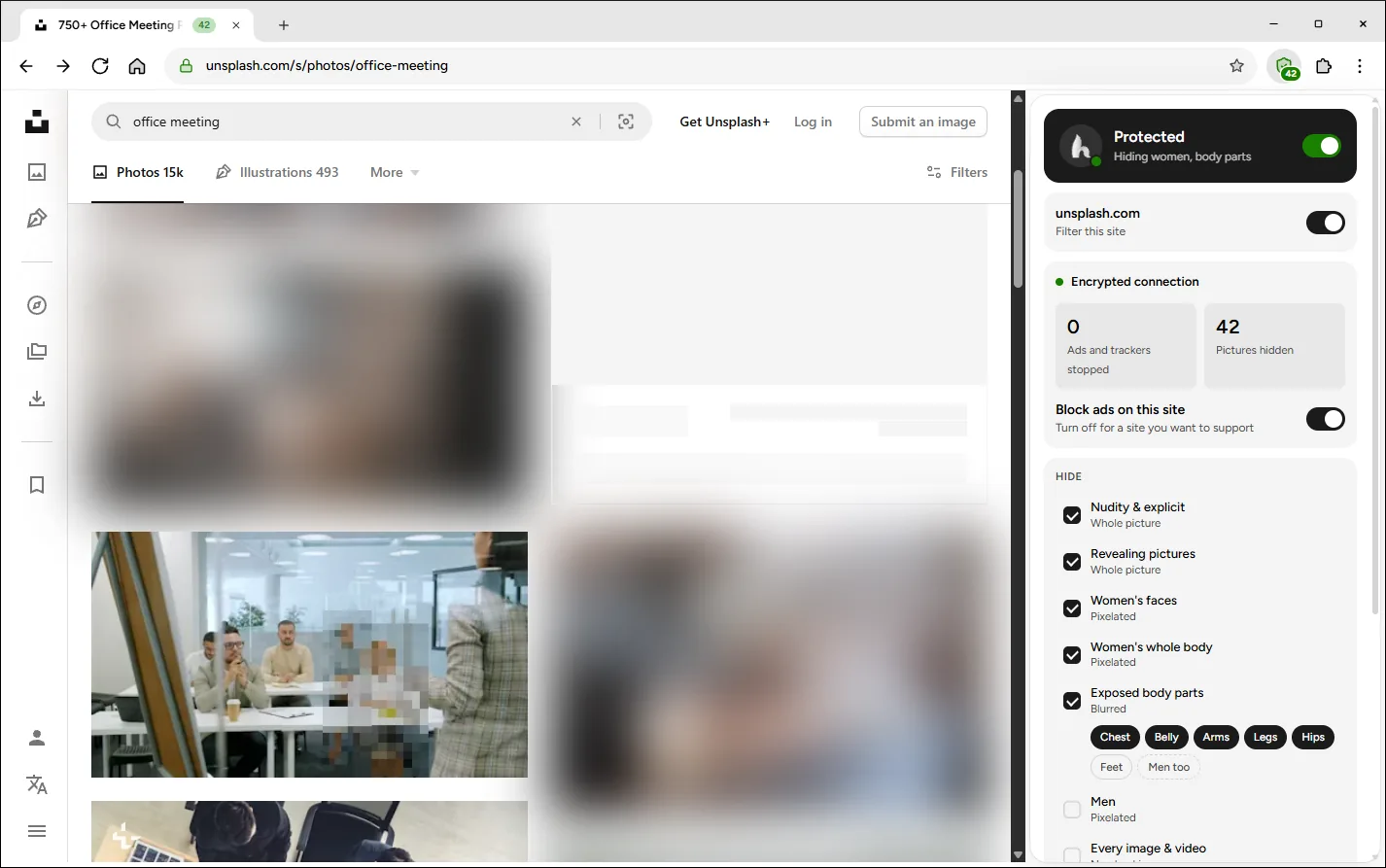
You choose what is hidden
The real Shield panel, open on the same page: nudity and revealing pictures, women's faces or whole body, exposed body parts (chest, belly, arms, legs, hips), men too, or every image and video. Per-site switches, live counters.
Chrome / Edge / Firefox / Brave: no picture filter of any kind.
A site that should be blocked
For this demo we put the harmless example.com on the block list — the same thing happens for the adult, gambling and dating sites Halal Lens blocks by itself.
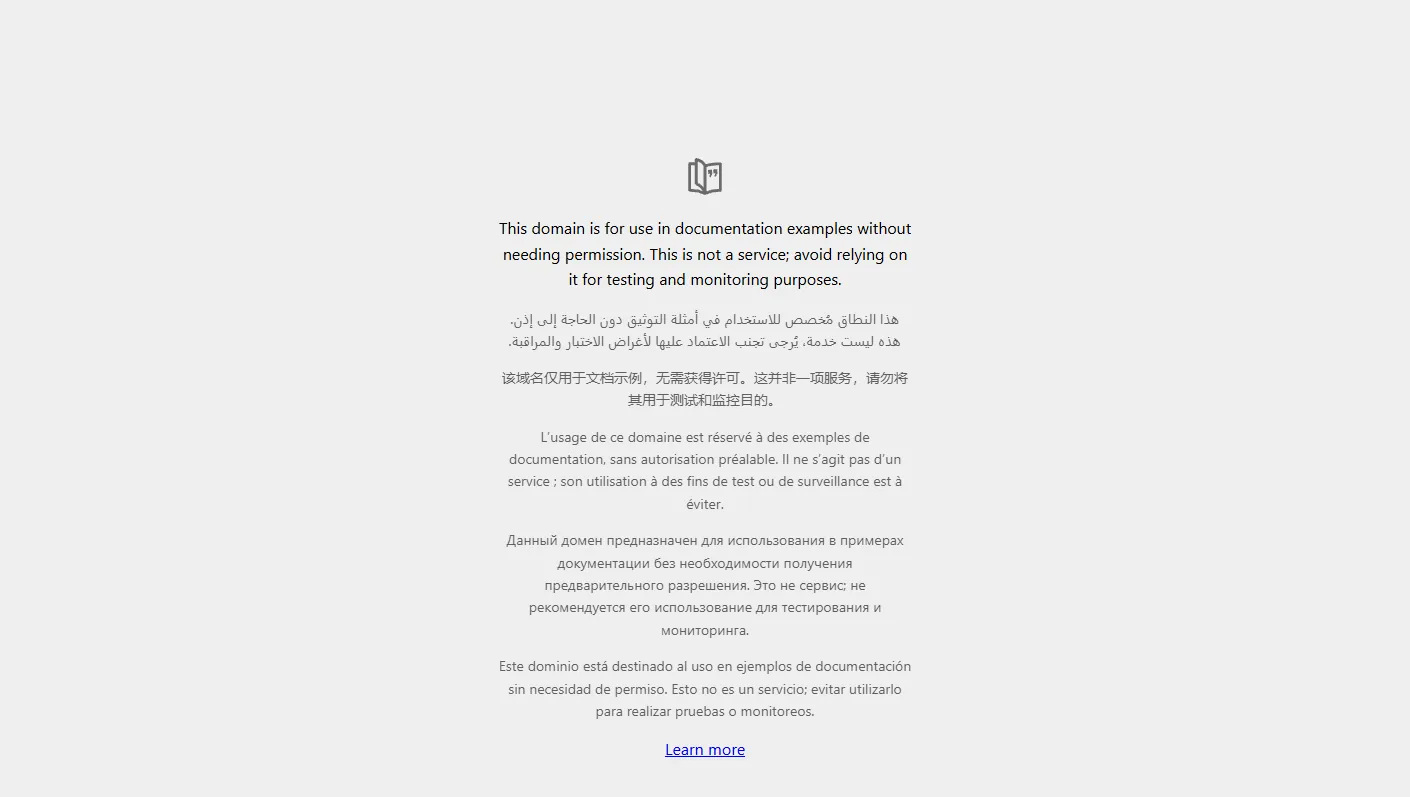
Other browsers: the page simply opens — for anyone, at any hour.
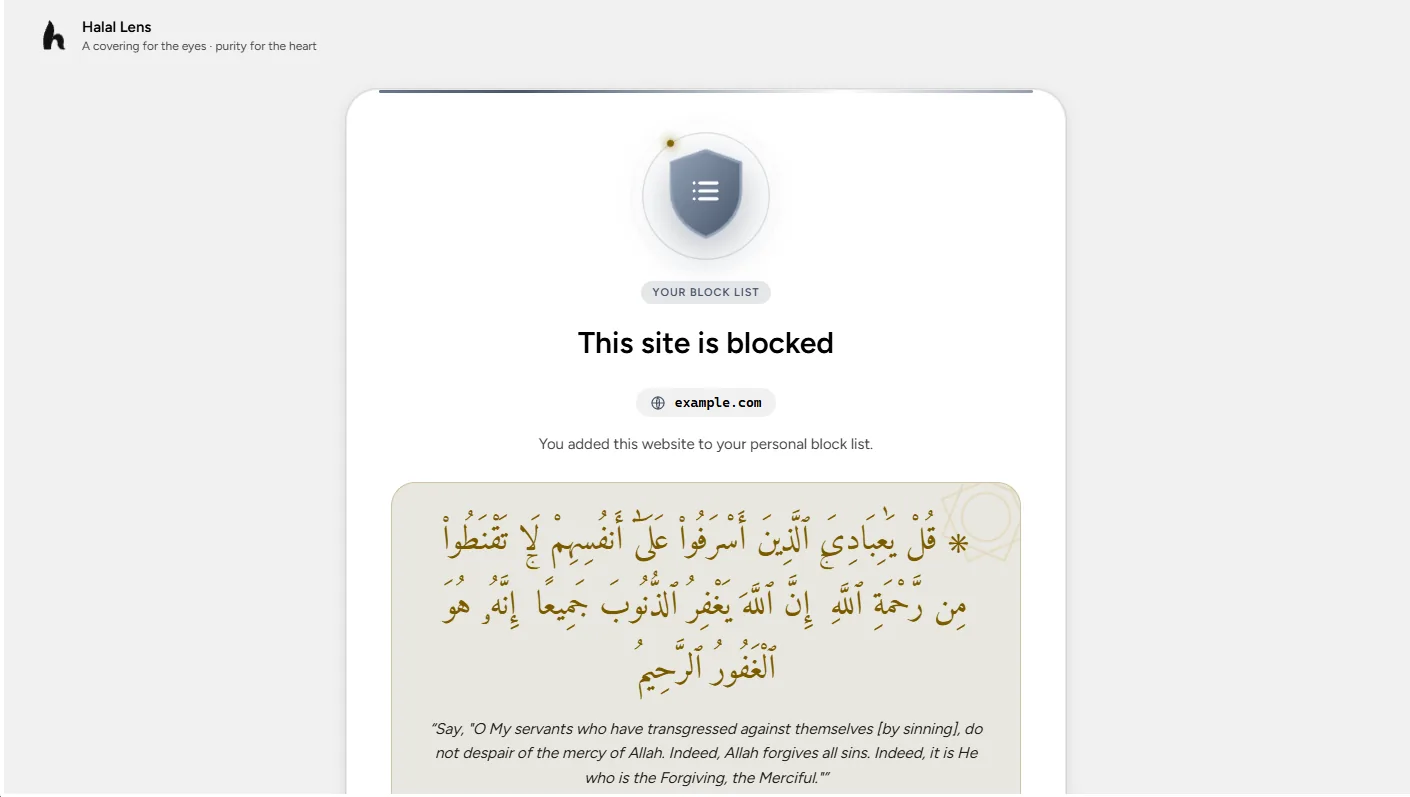
Halal Lens: blocked — with a Qur'an verse, a hadith, a dua and a dhikr counter instead. Only the Parent PIN can allow it.
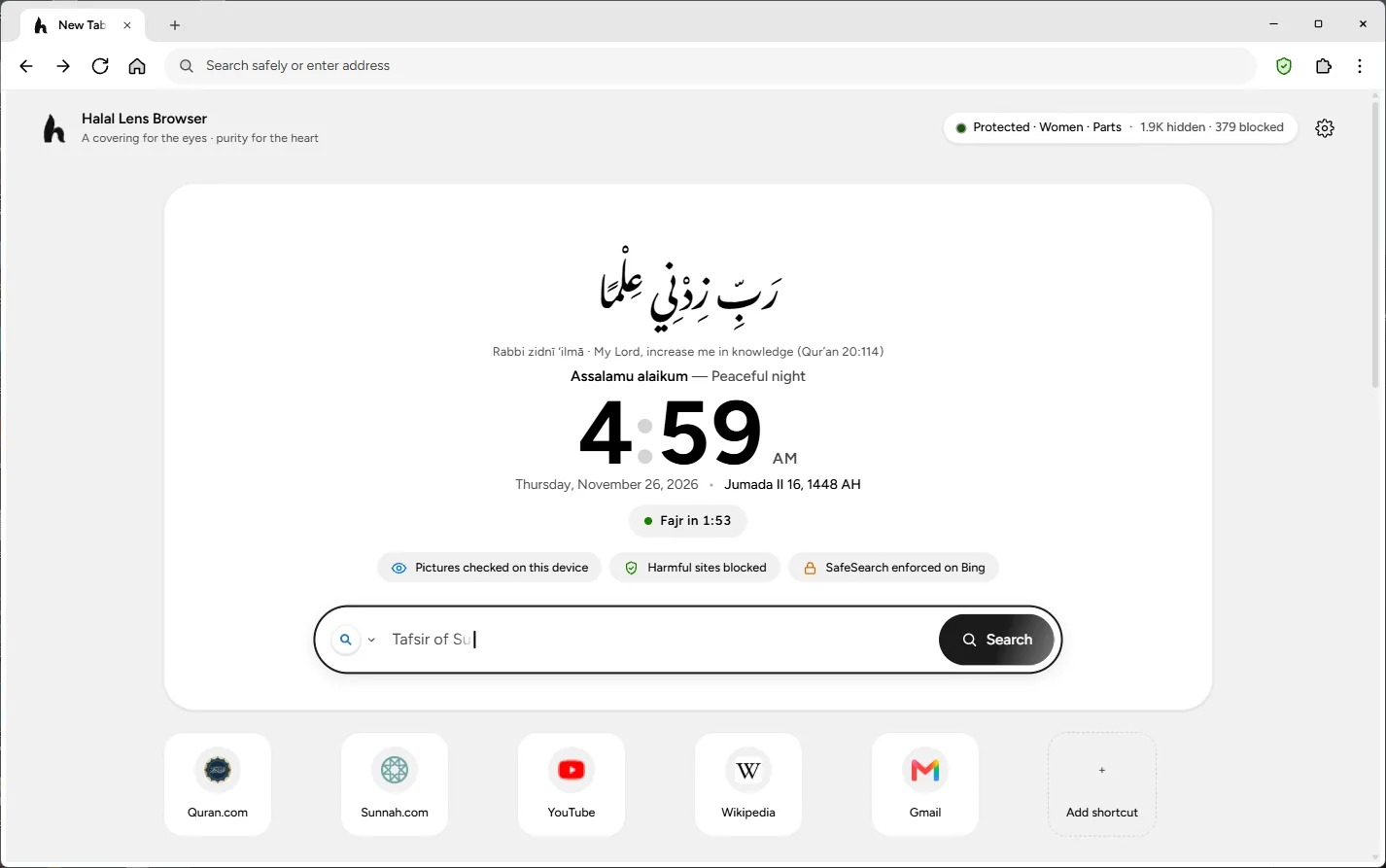
A new tab that reminds you of Allah
Chrome's new tab shows a search box, shortcuts and, often, a news feed. Halal Lens shows a verse or dhikr in beautiful calligraphy, the time, the Hijri date, a countdown to the next salah, a SafeSearch box and halal shortcuts like Quran.com and Sunnah.com.
Shown here in English; the same screen is available in বাংলা.
Halal Lens vs Chrome vs Edge vs Firefox vs Brave
| What you get | Halal Lens | Chrome | Edge | Firefox | Brave |
|---|---|---|---|---|---|
| AI hides haram pictures & videos on every site | |||||
| Porda mode — pixelates only the women in a picture | |||||
| Pictures checked on your own PC (nothing uploaded) | |||||
| Adult, gambling & dating sites blocked out of the box | Only with a Family Link child account | Only with a Microsoft Family Safety child account | |||
| SafeSearch forced on Google, Bing, DuckDuckGo, Yahoo, Brave | Google only, with Family Link | Bing only, with Family Safety | |||
| YouTube Restricted Mode forced + hide Shorts | |||||
| Protection locked with a Parent PIN on the same PC | Only with a Family Link child account | Only with a Microsoft Family Safety child account | |||
| Salah pauses, bedtime and daily site limits | Screen-time limits via Family Link | Screen-time limits via Family Safety | |||
| Ad & tracker blocker built in | Tracker prevention, no ad blocker | Tracker protection, no ad blocker | |||
| Prayer times, Qibla & Hijri date on every new tab | |||||
| Qur'an reader with translation & recitation | |||||
| Blocked page reminds with a Qur'an verse & dua | |||||
| Bangla interface | |||||
| Free |
Default installs on Windows, November 2026. Family Link (Chrome) and Microsoft Family Safety (Edge) need a separate child account set up and managed from a parent's phone. Chrome, Edge, Firefox and Brave are trademarks of their owners; Halal Lens is not affiliated with them.
Common questions
“Tell the believing men to lower their gaze.” — An-Nur 24:30
Switch your family to Halal Lens — free
Same websites, same speed — without the haram. Windows 10 / 11 now, Android coming soon.